
Nicvfx - Compositor Reel

Showreel

Shot Breakdowns


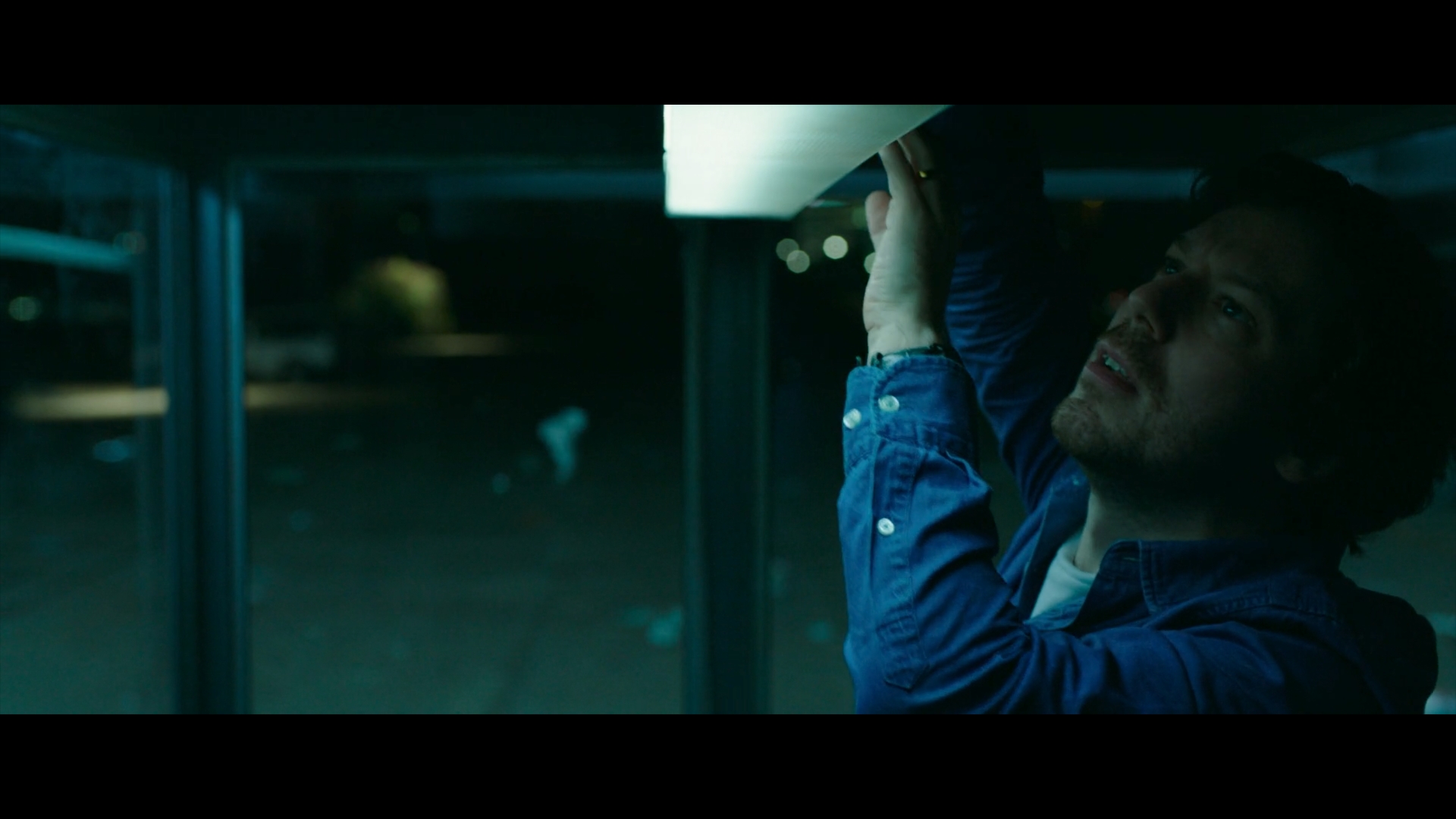
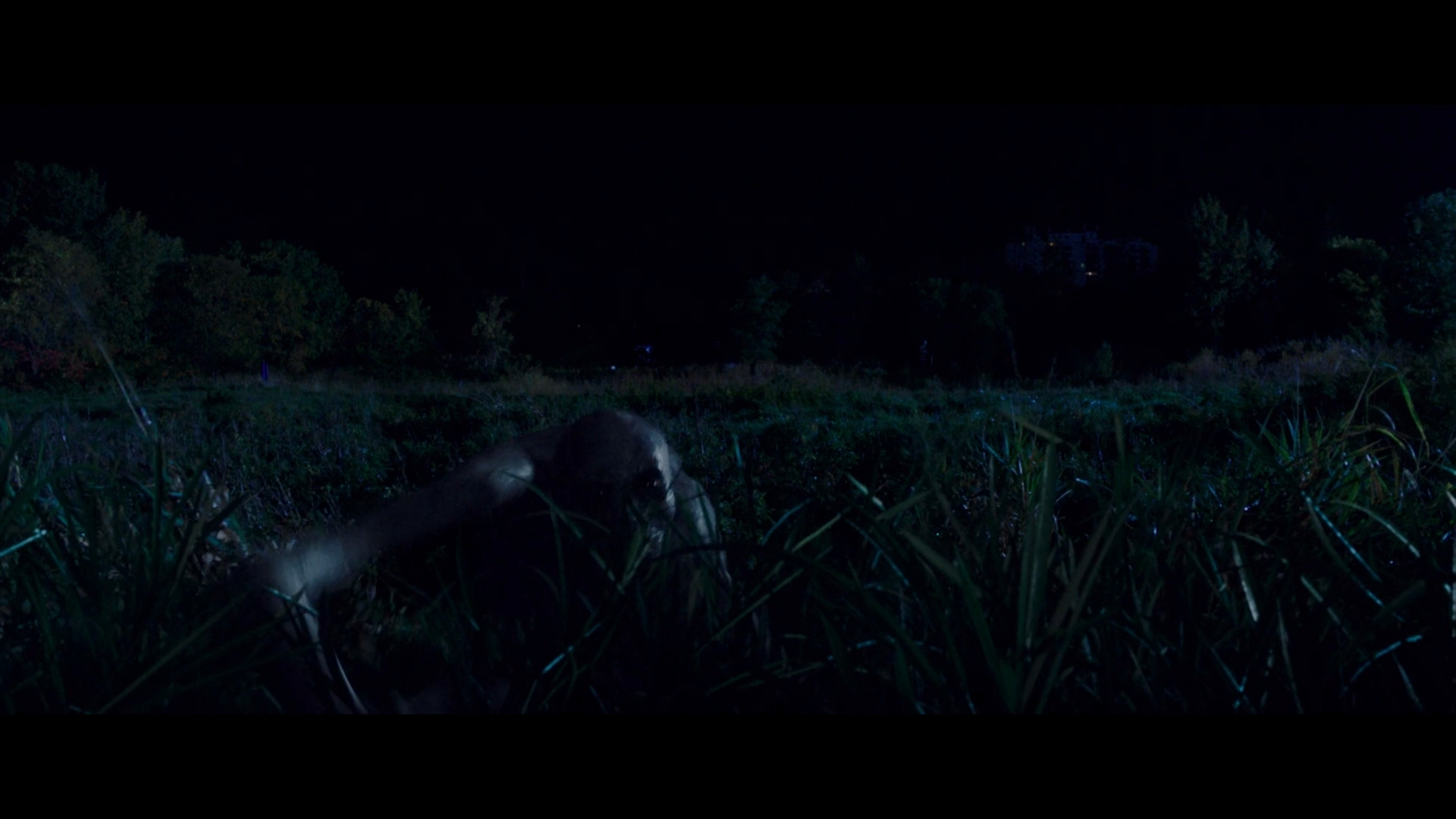
0:00 Come Play:
Responsible for the look dev of various shots, working with splines and grid warps for cg creature and puppet integration.


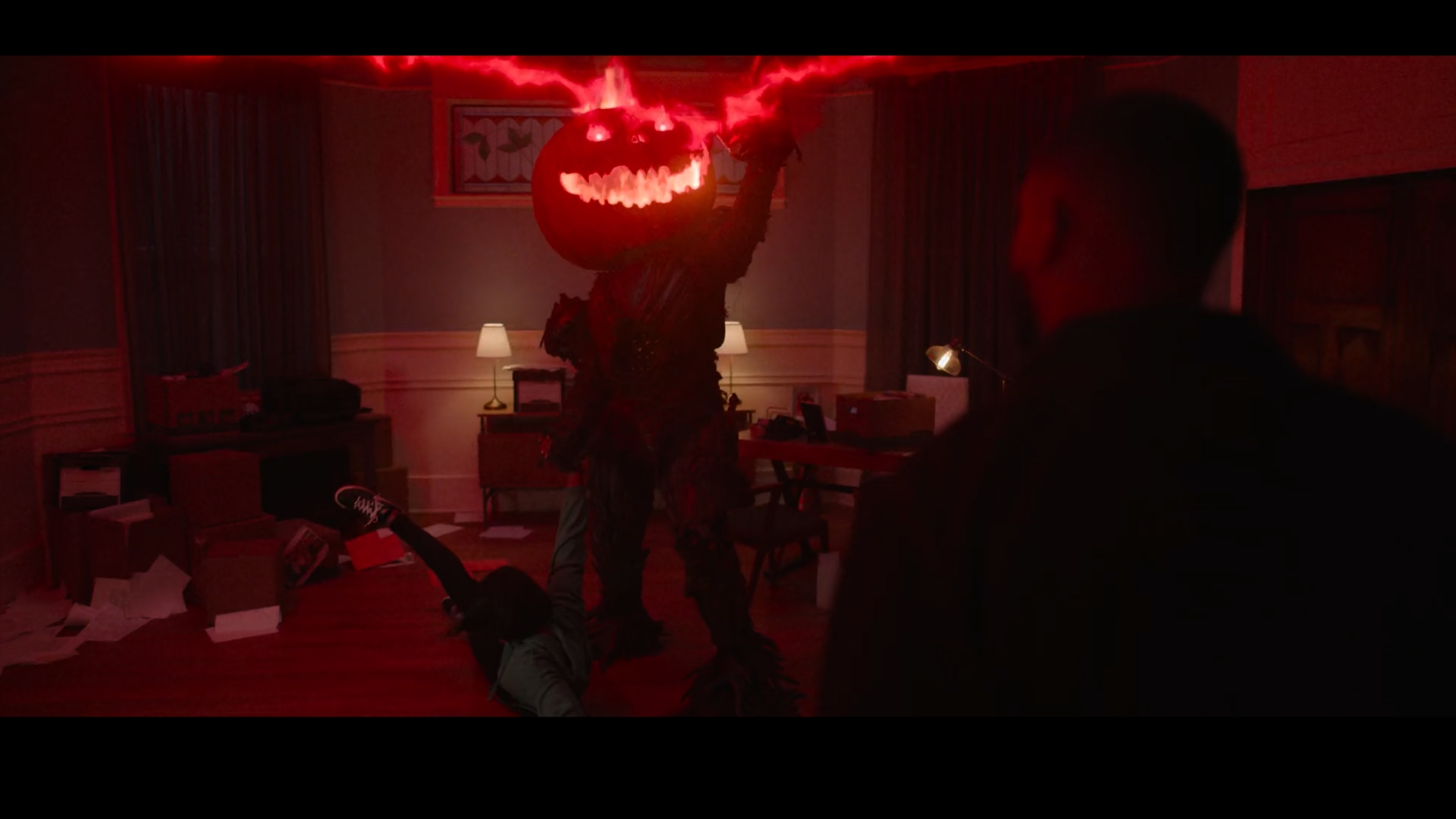
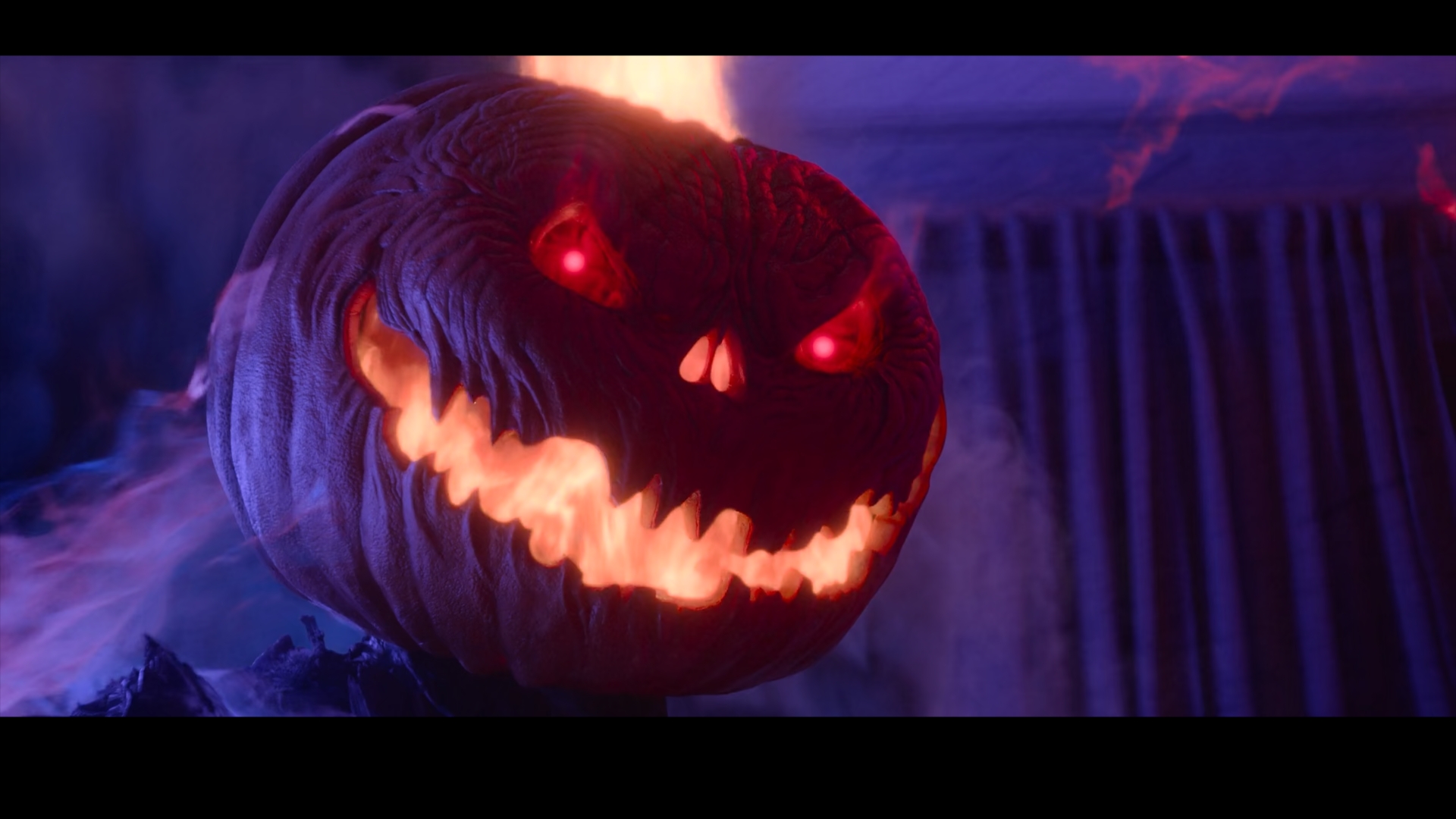
0:23 The Curse of Bridge Hollow:
Used Deep compositing to integrate and layer the vortex, FX, particles and flying papers on and around Stingy Jack Ghost.


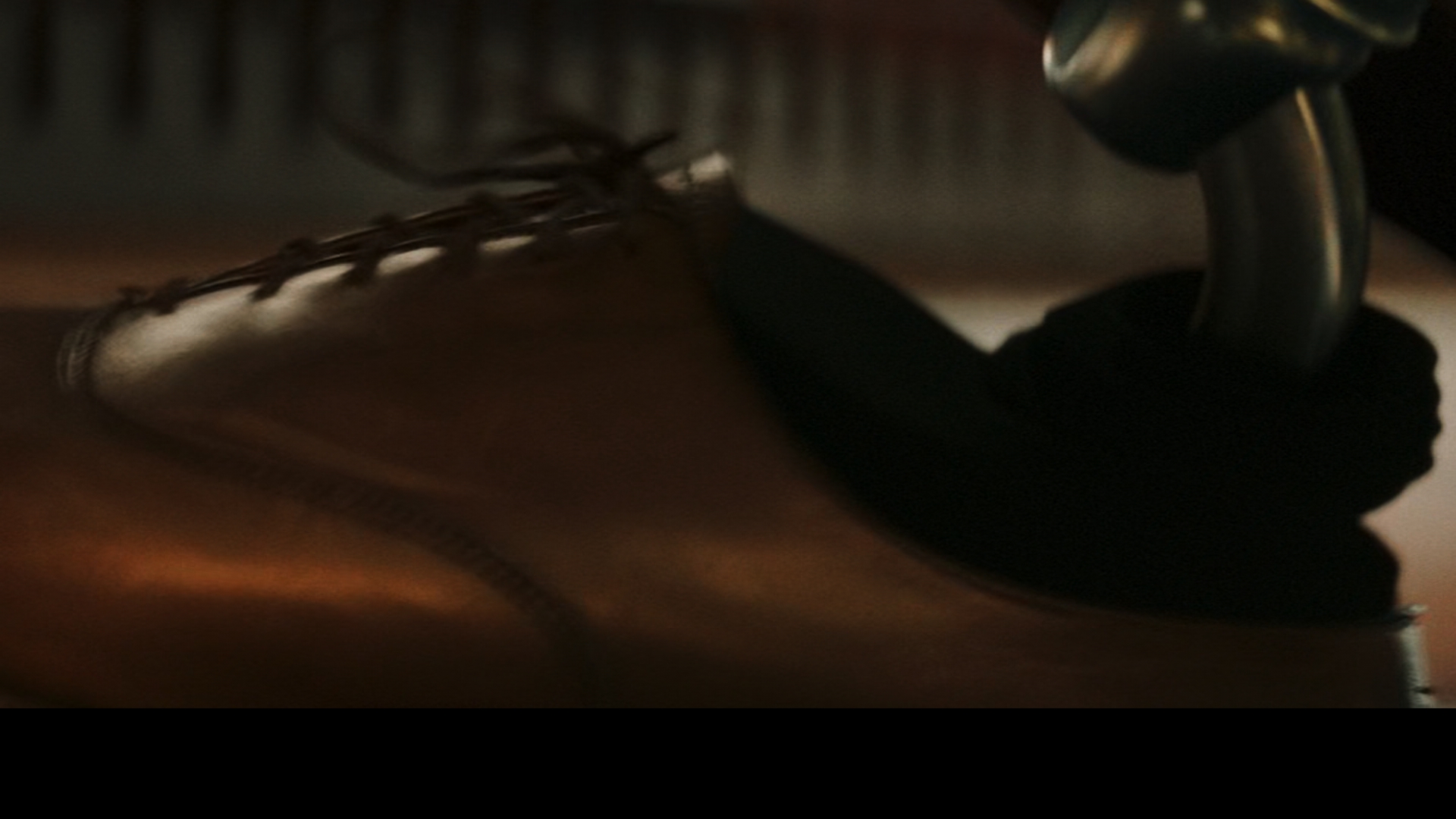
0:34 Skyscraper:
Integrated metal foot replacement and composited a moving elevator falling with camera shake to reveal the Rock climbing up a skyscraper.


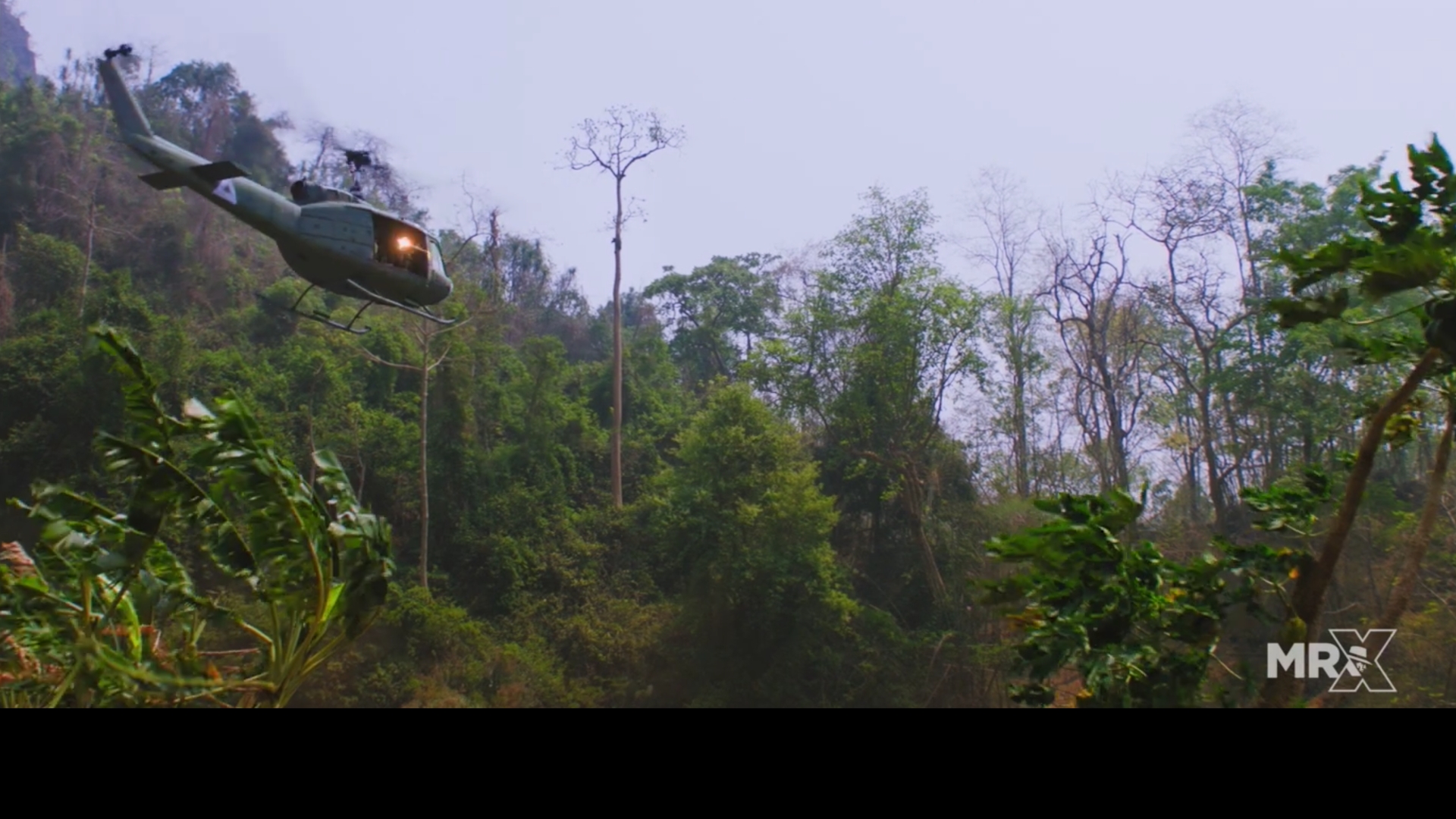
0:37 Da 5 Bloods:
Various CG integration.


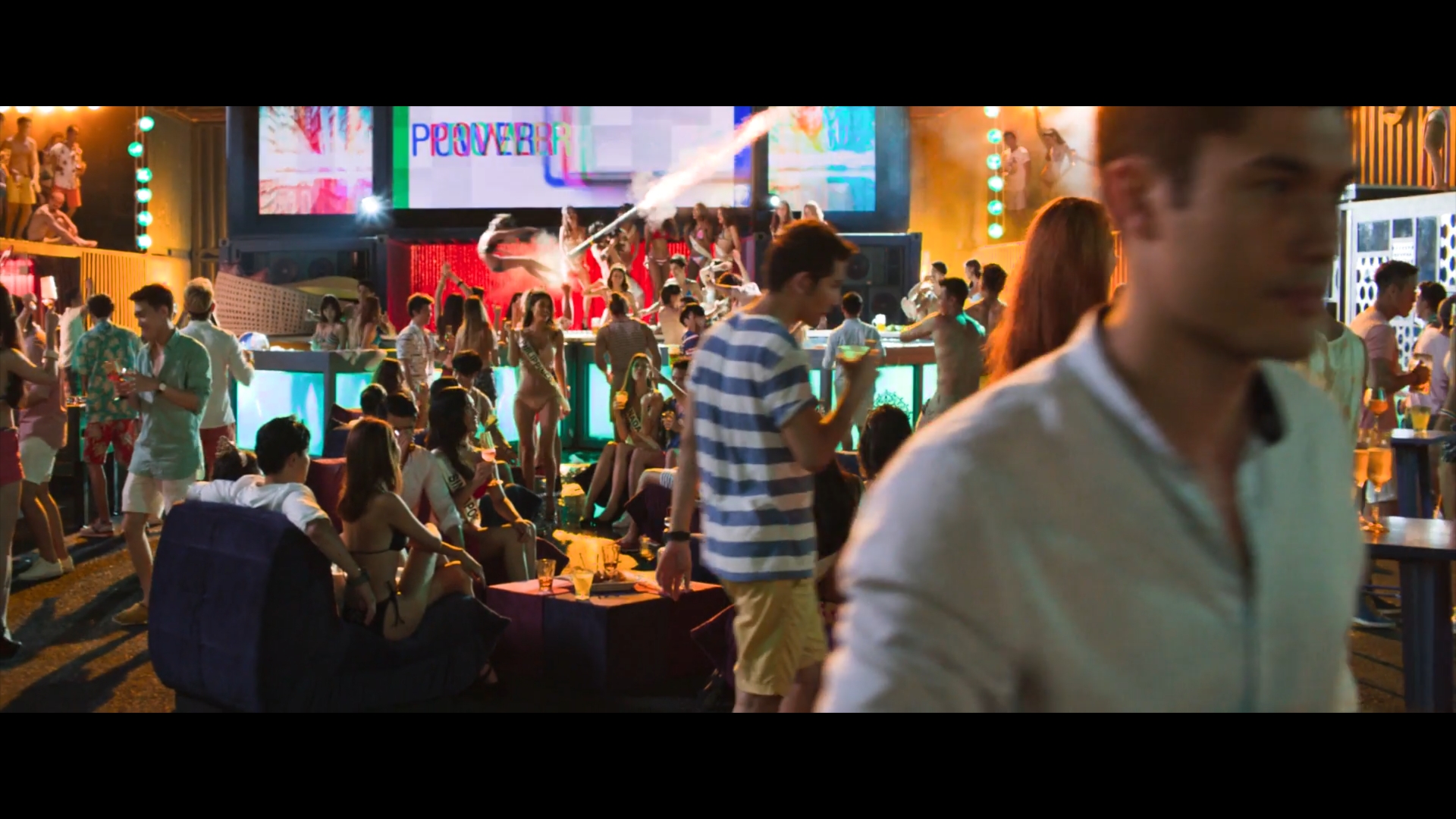
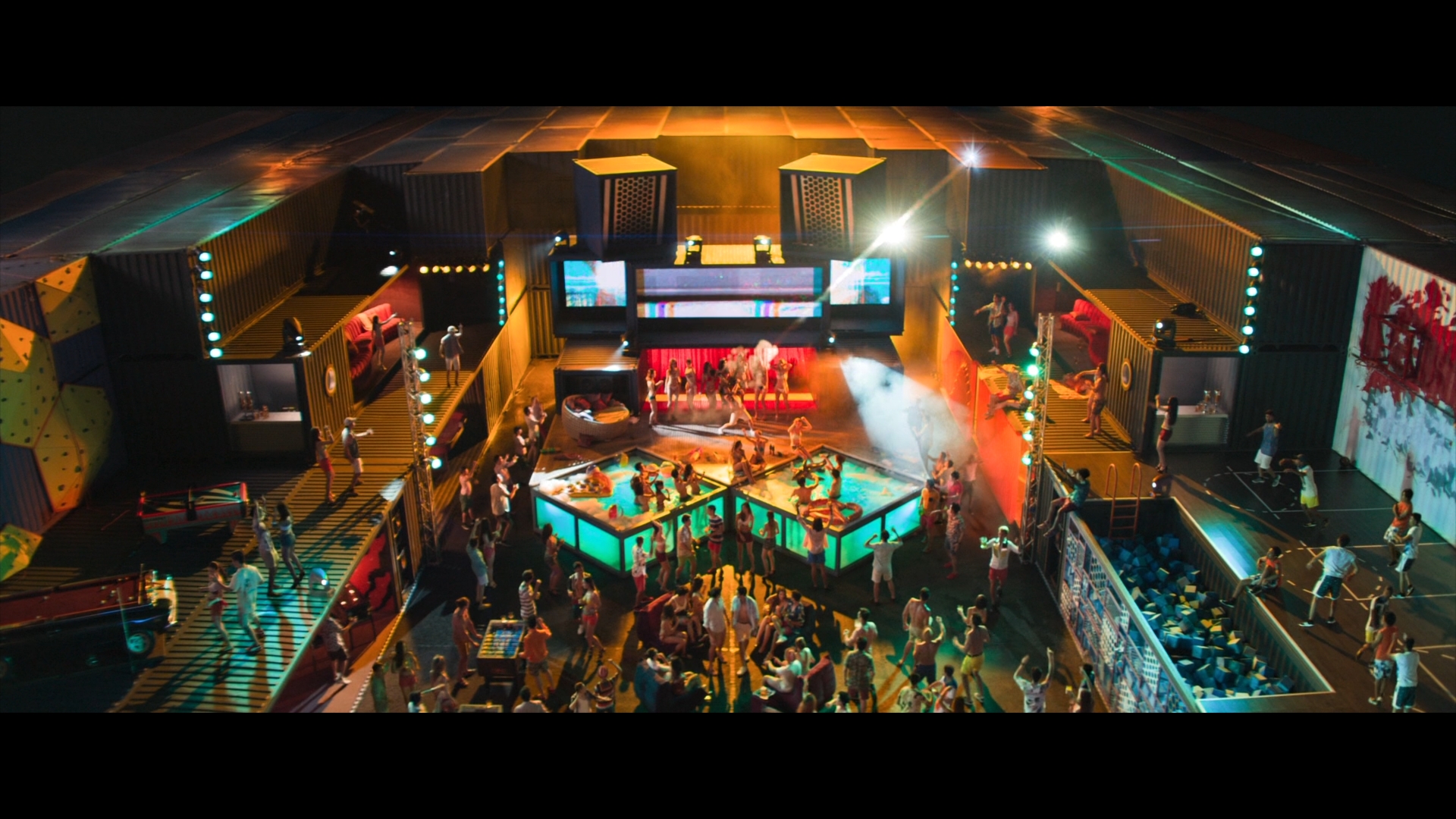
0:48 Crazy Rich Asians:
Animating background DMP, crowd extras integration, FX.


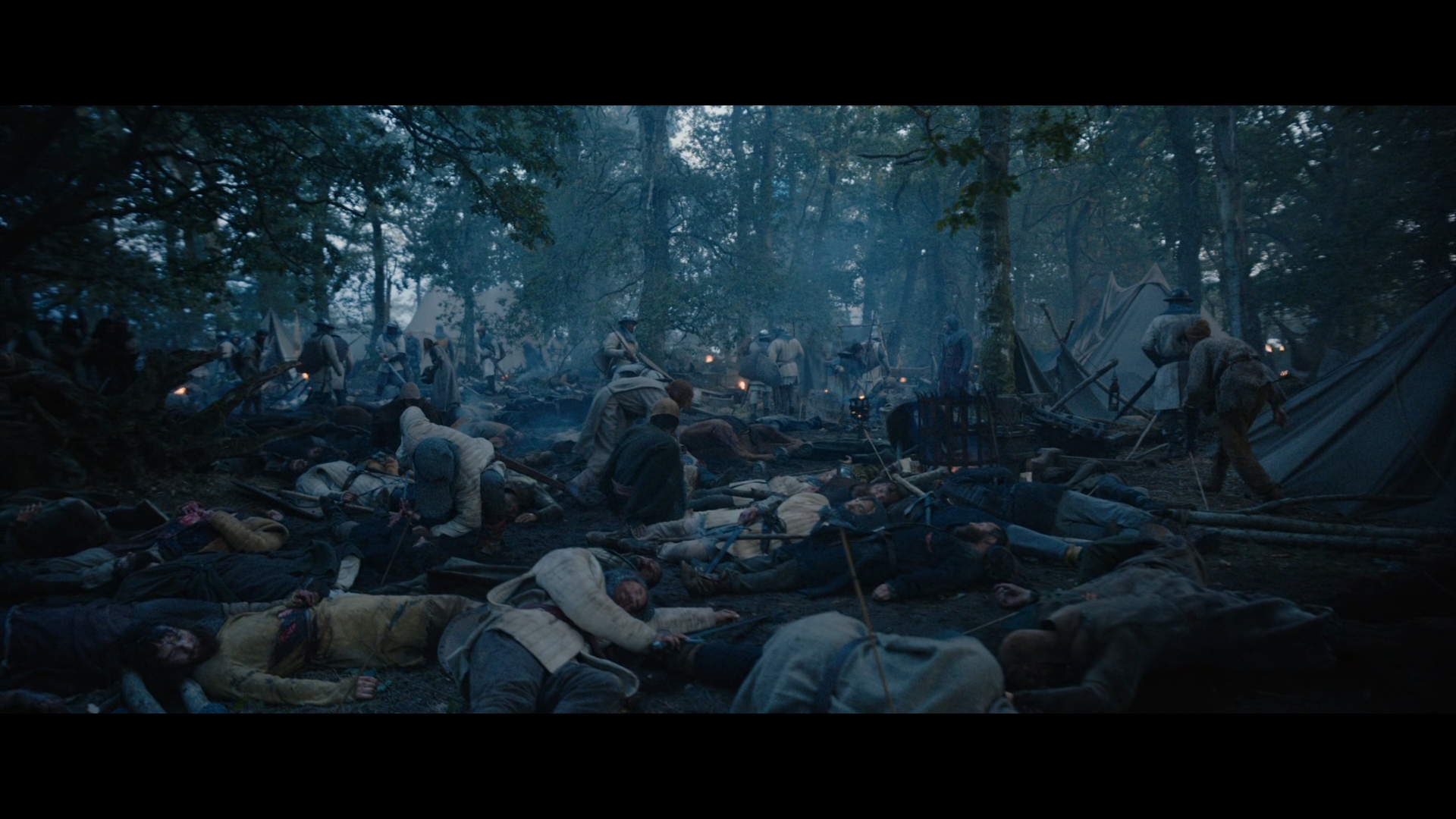
1:04 Outlaw King:
CG integration, adding and enhancing background elements.


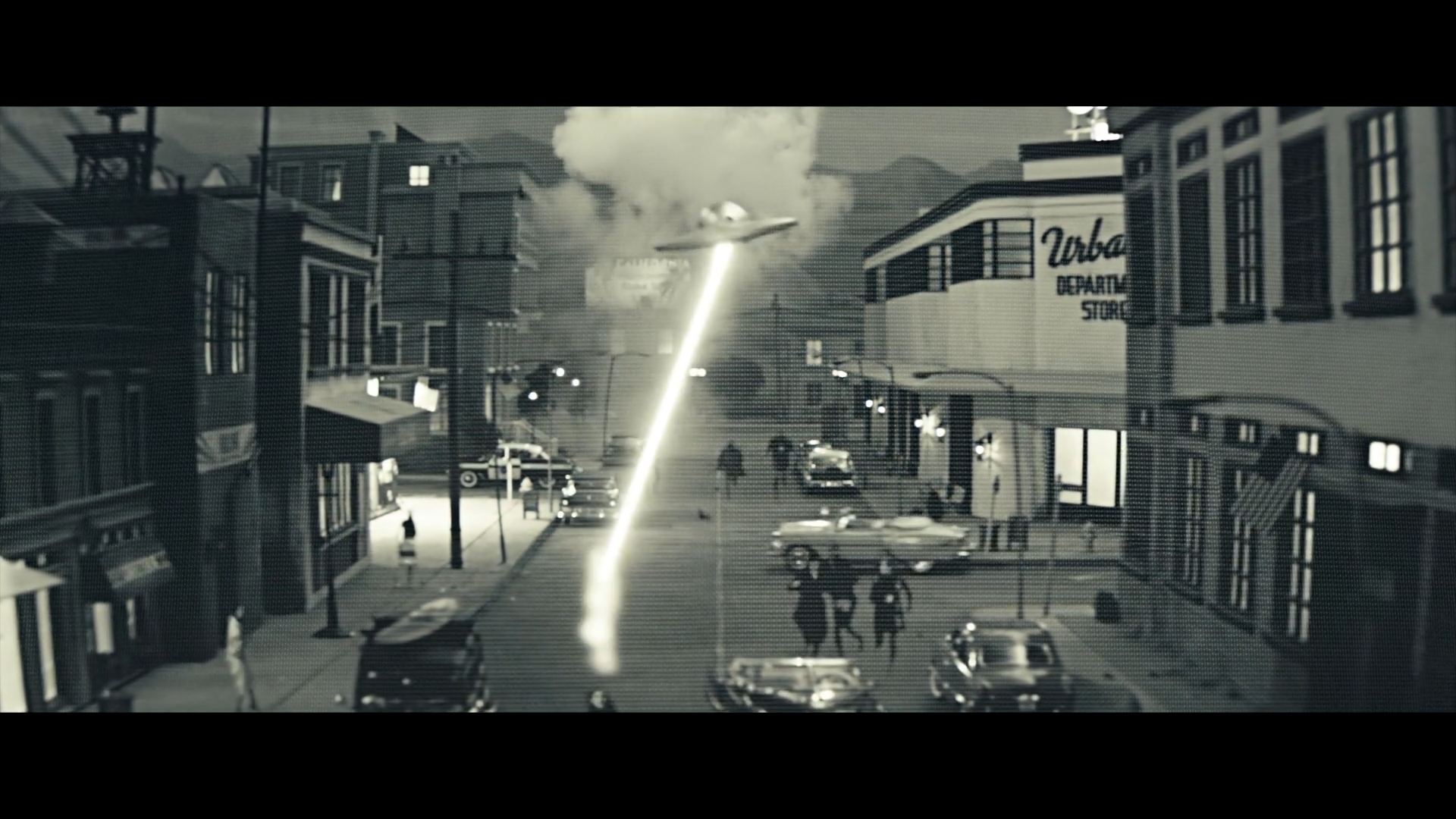
1:10 American Gods:
Animating "Zoots" FX via rotosplines, “Matrix Zoom-in Warp” TV Transition, glows, stylised cutout look for Mr. World's Fear monologue shot.


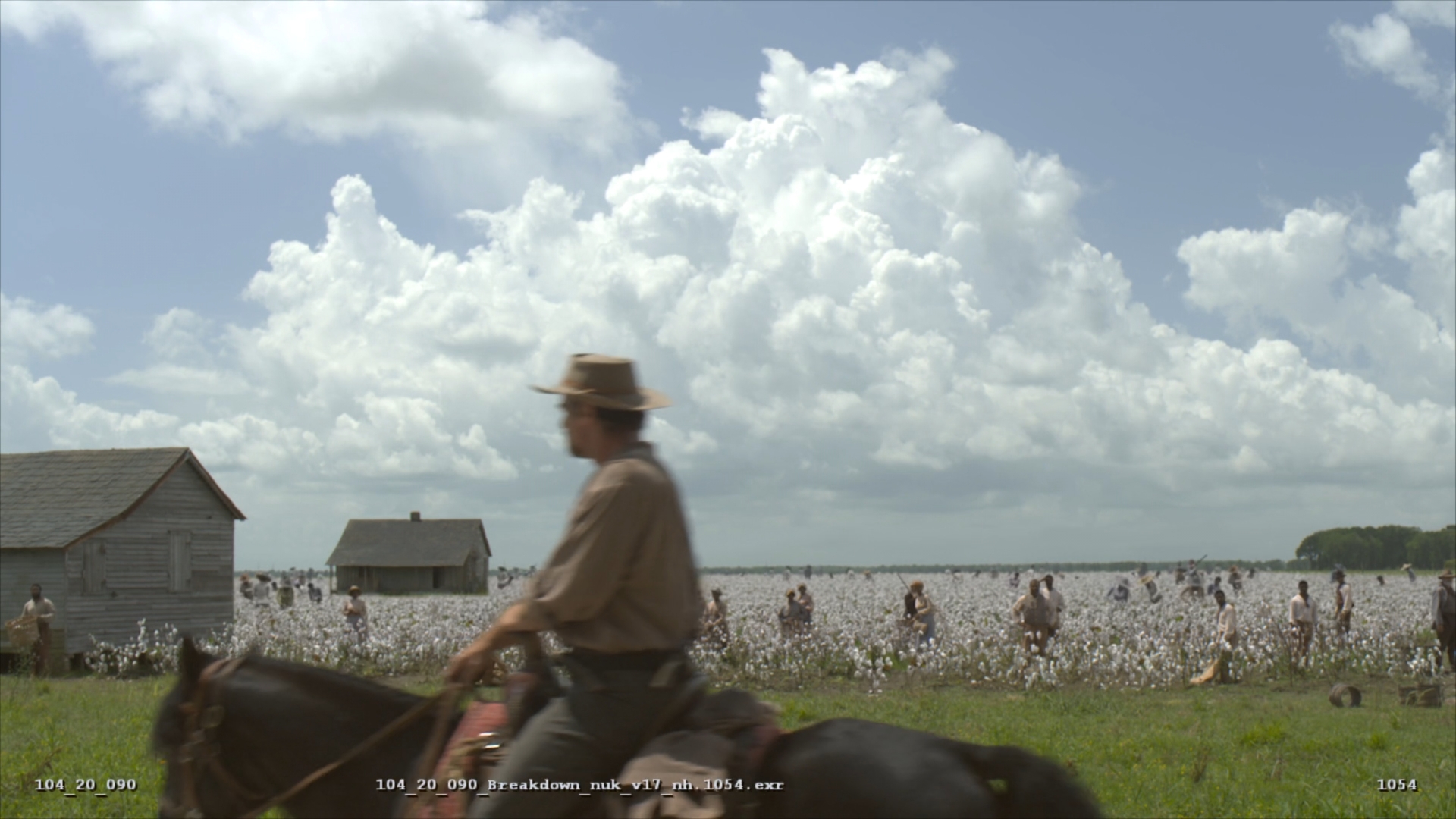
1:28 Underground:
3D Alembic files with texture IDs were brought into Nuke so that individual cotton plants could be swapped out for art direction until a look was sorted minimising the traditional way of re-rendering in 3D. Nuke3D cards were also used to fill any additional foreground spaces.


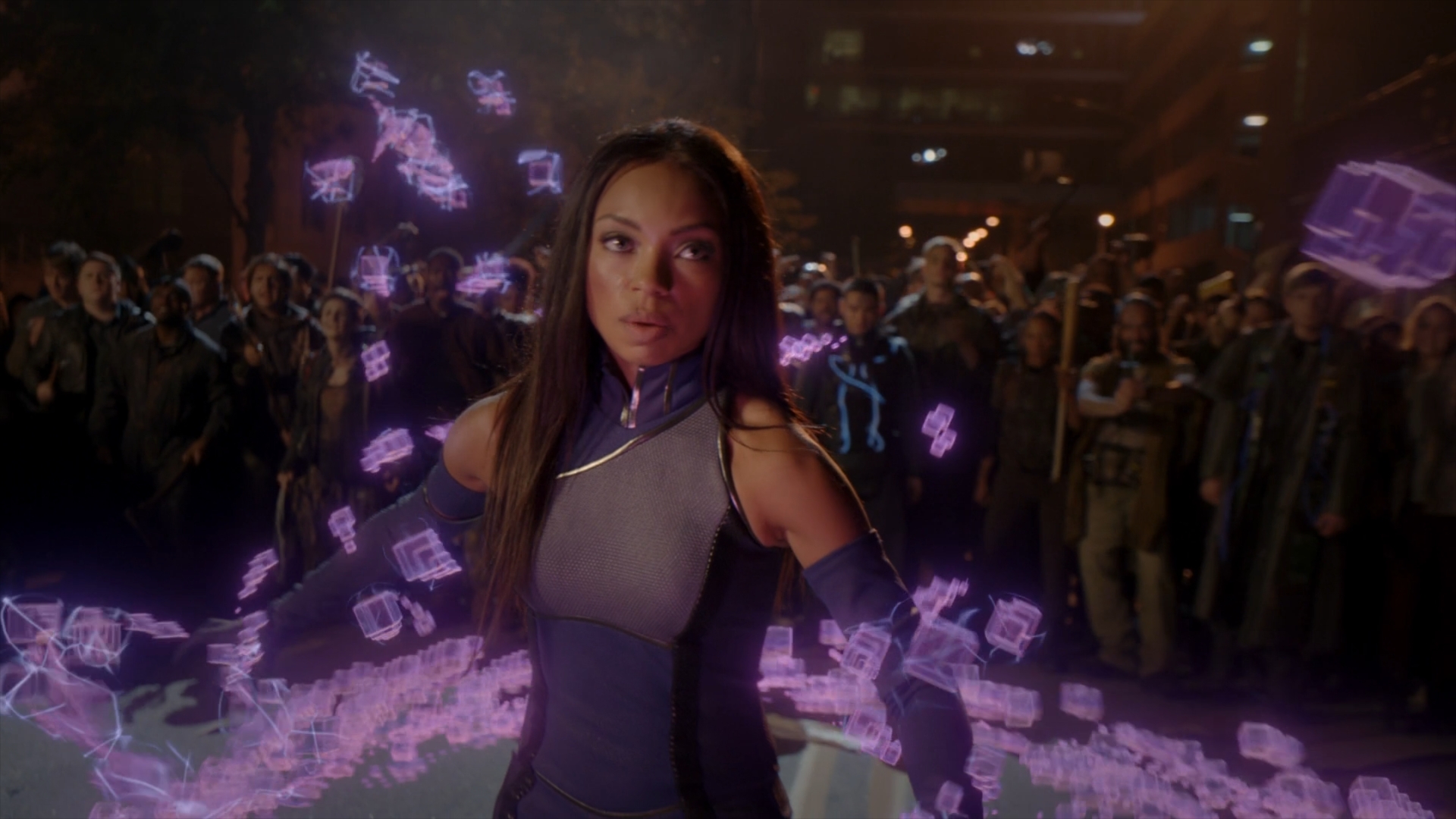
1:42 Powers:
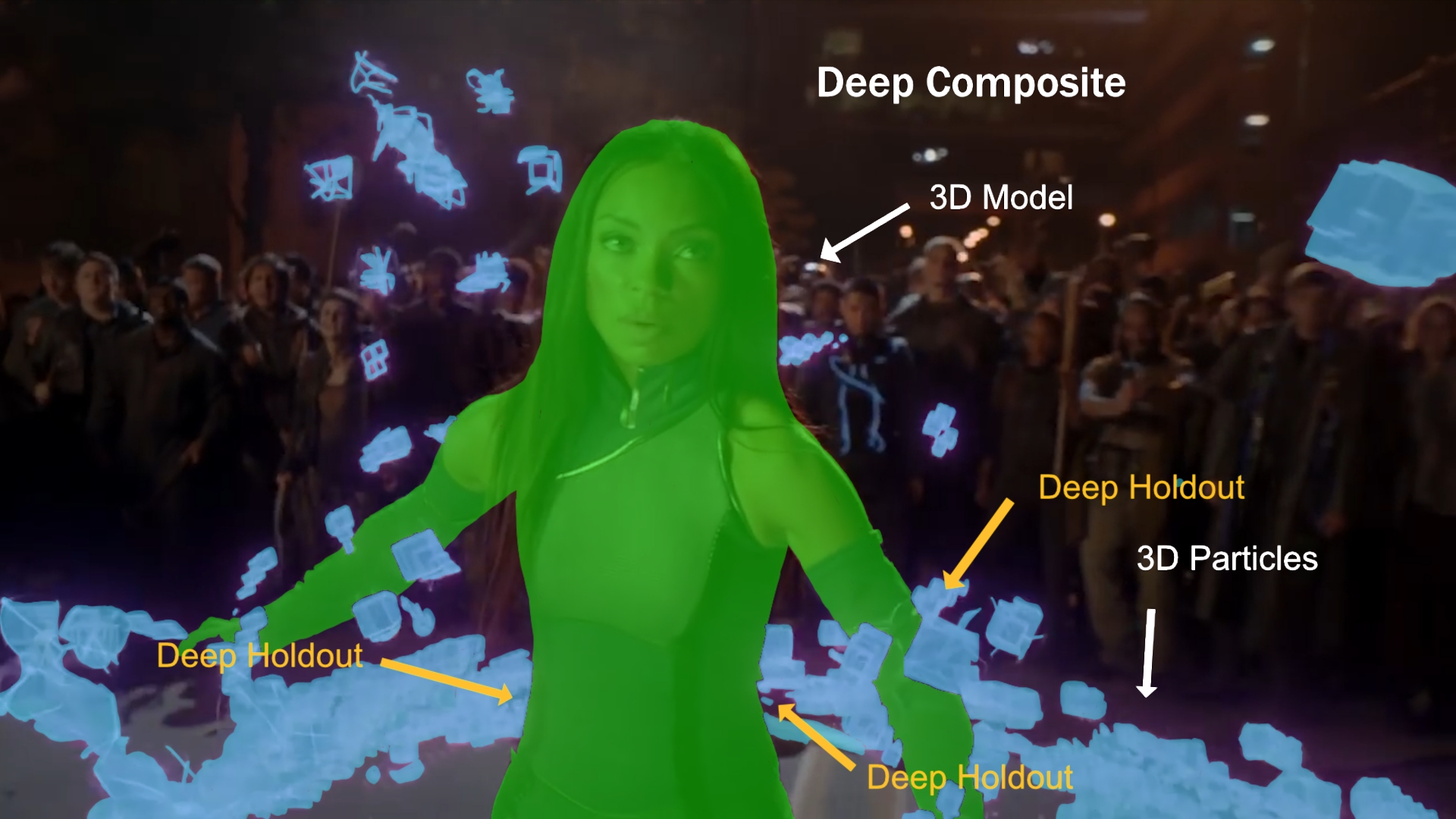
Deep Compositing workflow where the roto matte was projected onto a 3D model of the character (supplied by the 3D department) to get the exact 3D space coordinates that when used as a Deep Holdout would determine and cut out the exact parts in 3D space where the particles would go in front or behind the character. The purple cubes and the blue electric fields where also rendered out as separate elements and composited together in Deep so the electric fields could be animated on and off depending on the mood of the shot.


Python


Here are some of the settings I generally customize in the menu.py that help for a more speedy and efficient workflow:
## Defaults RotoPaint to start with the clone brush at .30 opacity and 0.002 hardness.
nuke.knobDefault("RotoPaint.toolbox",'''clone { { clone opc .3 h .002} }''')

## Defaults the Roto node to start with the create BSpline.
nuke.knobDefault('Roto.toolbox','createBSpline')

## Labels the Tracking node with transform and reference frame values.
nuke.knobDefault("Tracker.label", "[value transform] Ref fr[value reference_frame]")

## Labels the Blur node with size and channel values.
nuke.knobDefault("Blur.label", "[value size] [value channels]")

## Displays the TimeOffset's node value. 
nuke.knobDefault("TimeOffset.label", "[value time_offset]")
            
## Defaults sticky notes to have a larger font size to be detected more easily.
nuke.knobDefault("StickyNote.note_font_size", "55")   

## Labels the merge node's bbox values
nuke.knobDefault("Merge2.label", "[value bbox]")
    

Gizmos


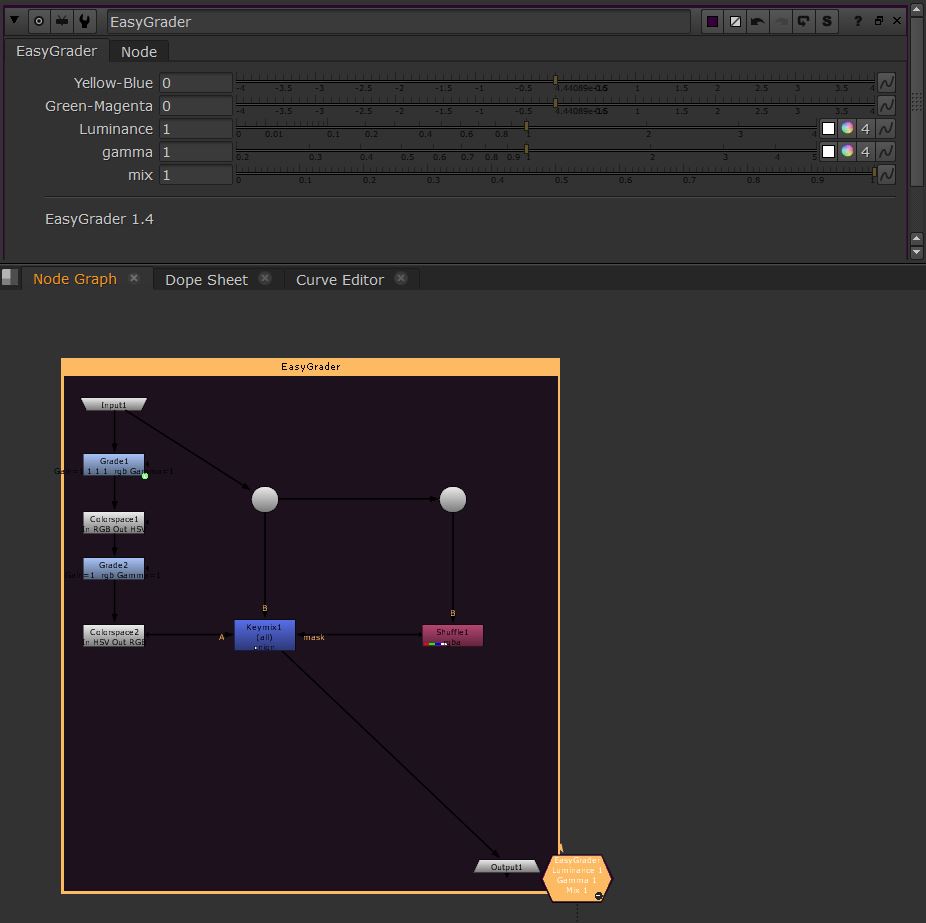
Easy Grader
Gizmo mapping the gain colour temperature controls to sliders - mainly to grade via shortcuts and for a nicer grading flow. Also included a luminance grade.


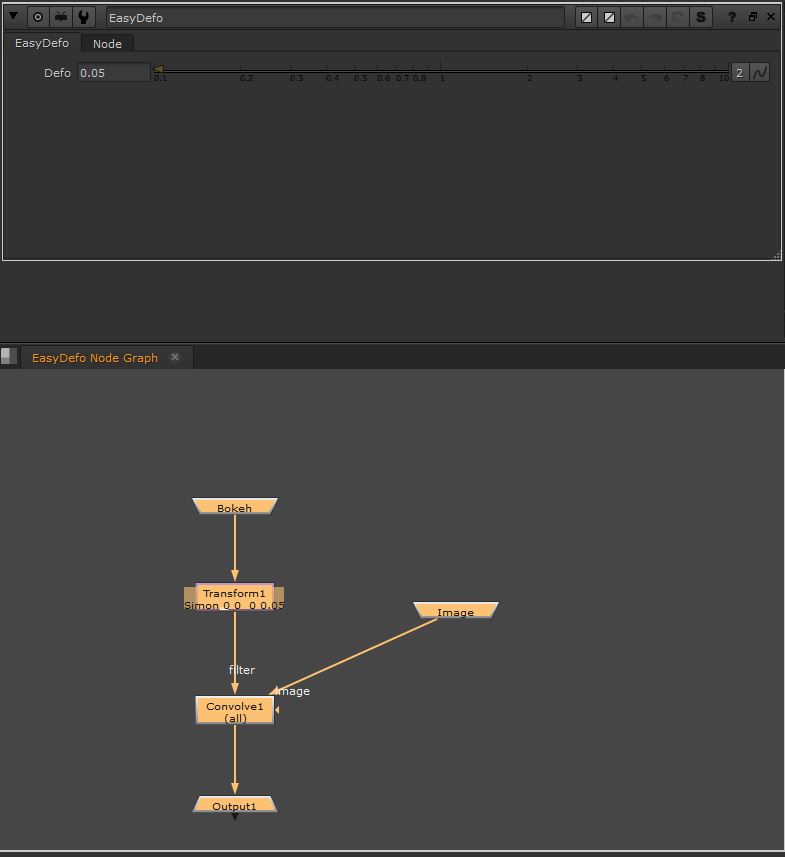
Easy Defo
Gizmo designed to make defocusing via Convolve/Bokeh with Transform control easier.